
Browse Hacker News from your terminal.
Convenient, fast, and will run well on most computers, even old ones.
How to use
More ways to come.
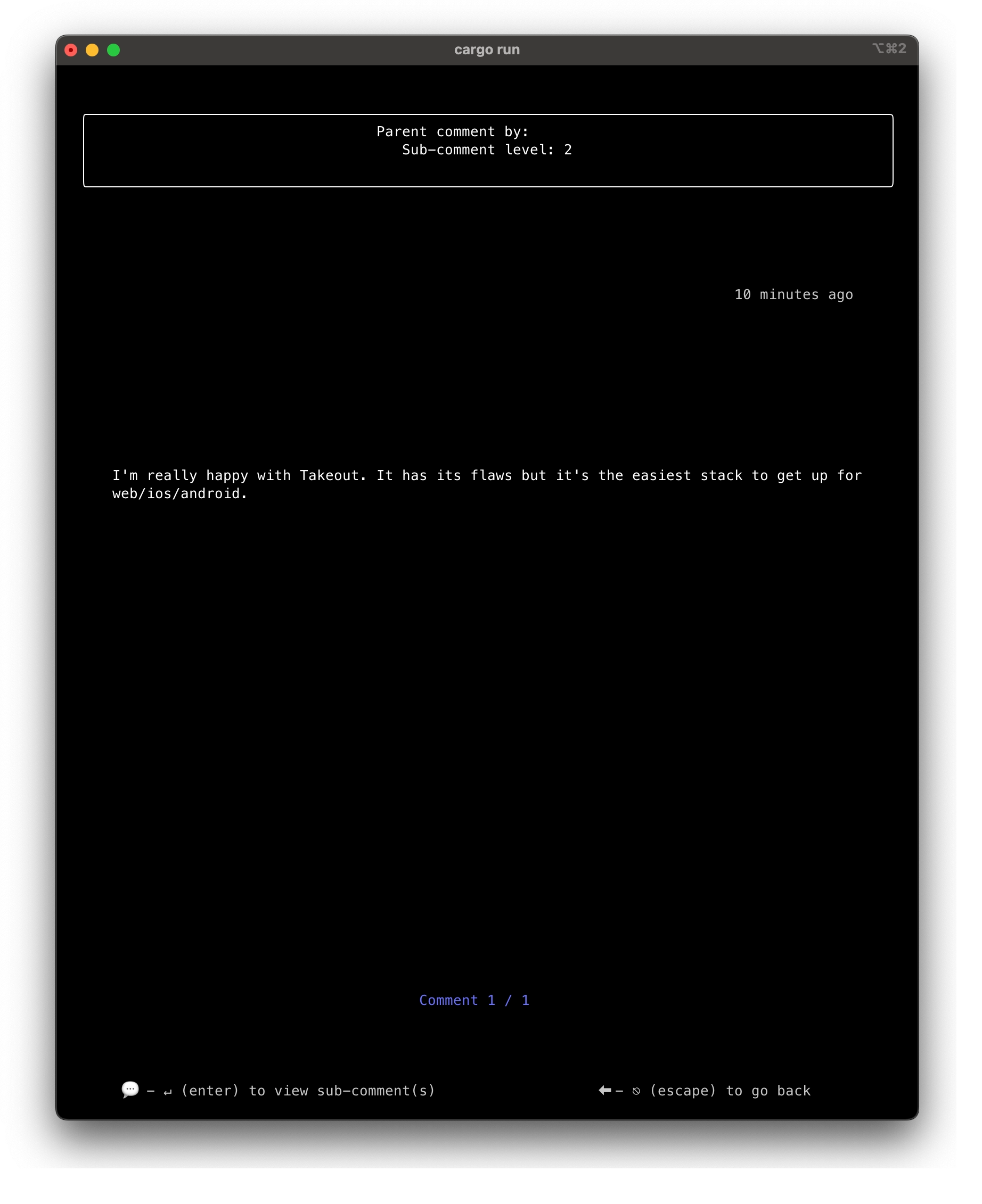
Browse every comment or sub-comment, on any story
On the Home, Ask HN and Show HN (usernames erased here).
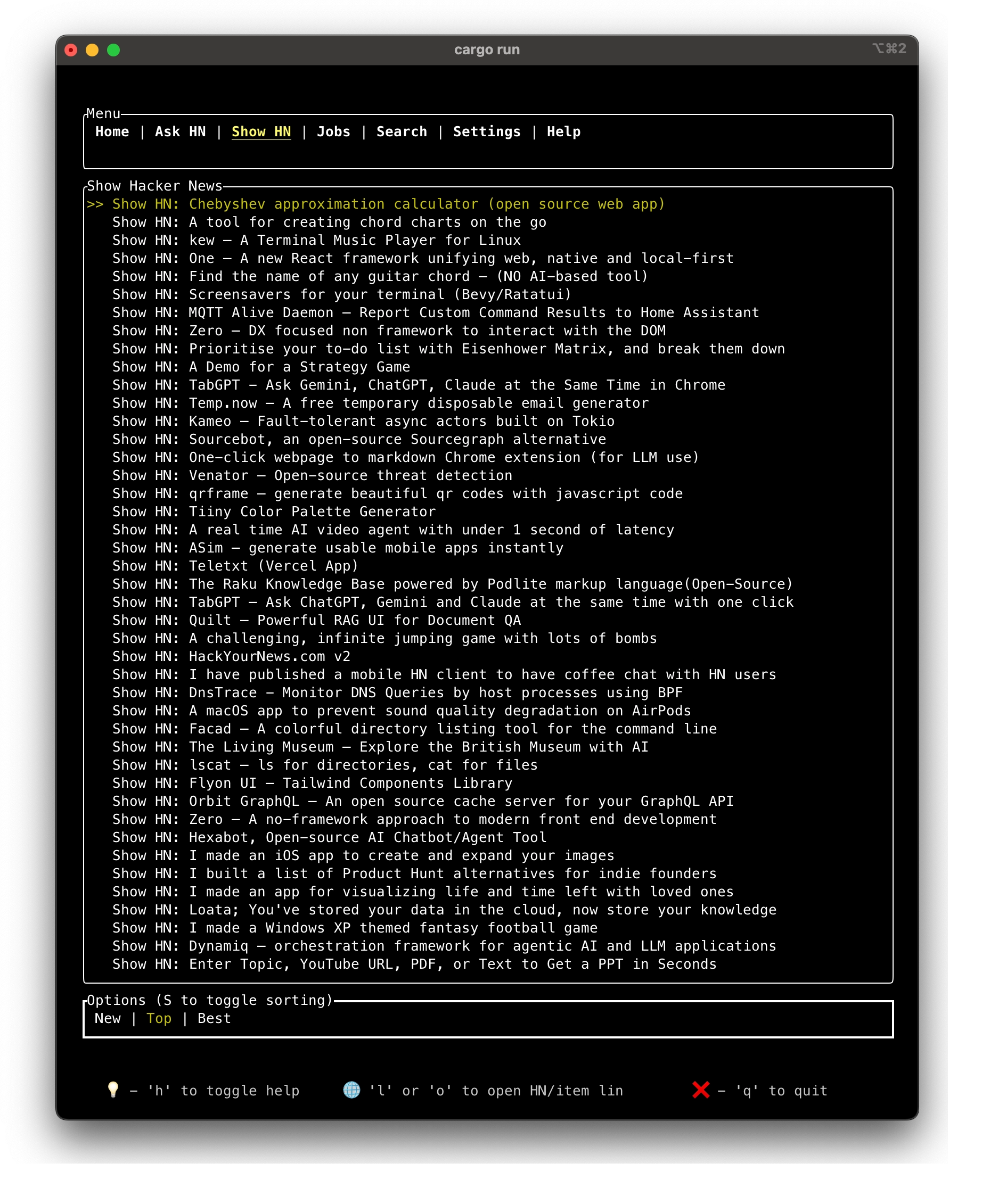
Contextual help on all screens
If enabled, contextual help will display the most common commands on any given screen.
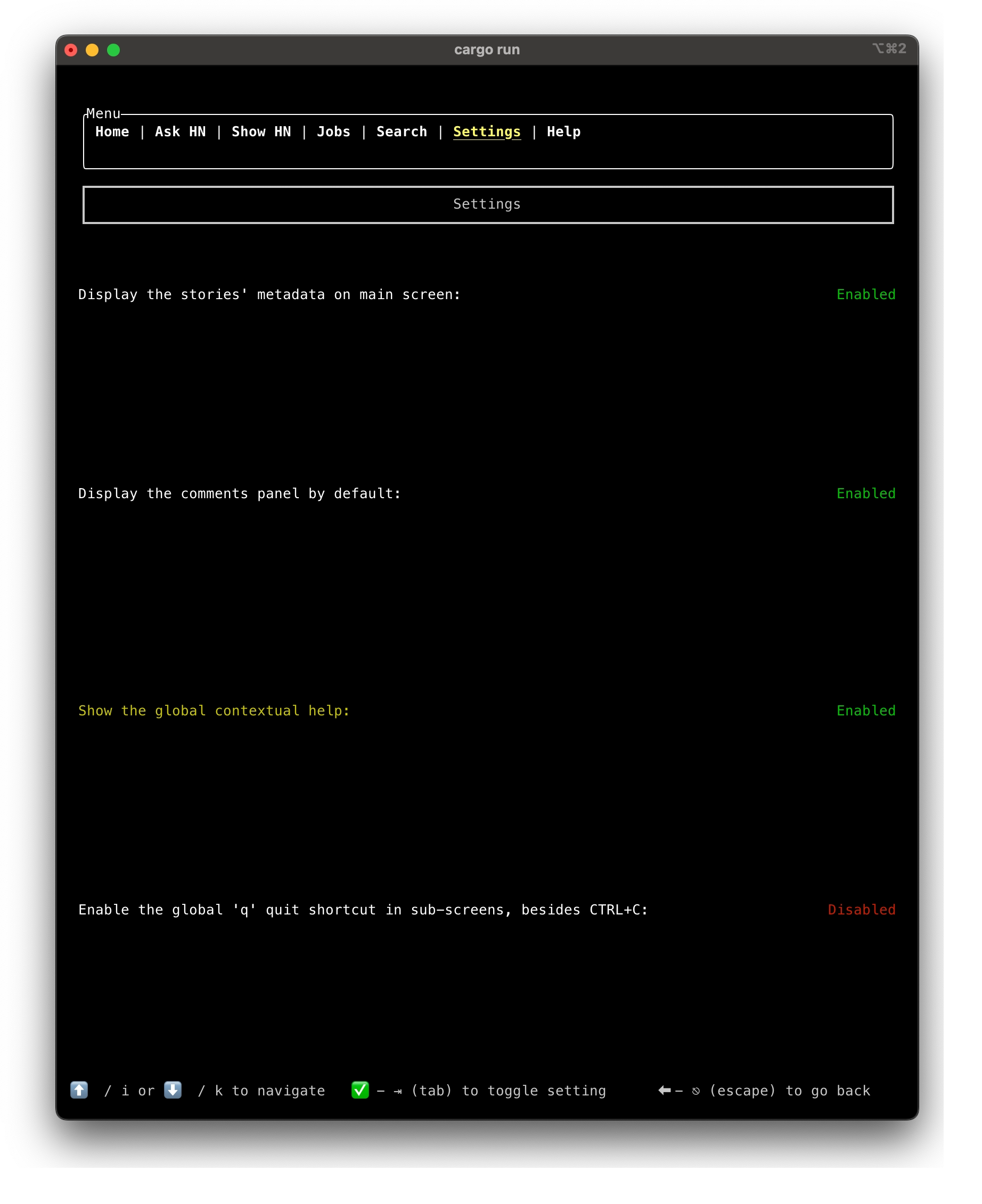
Customize your experience
Persistent settings, stored in the OS-appropriate folder.
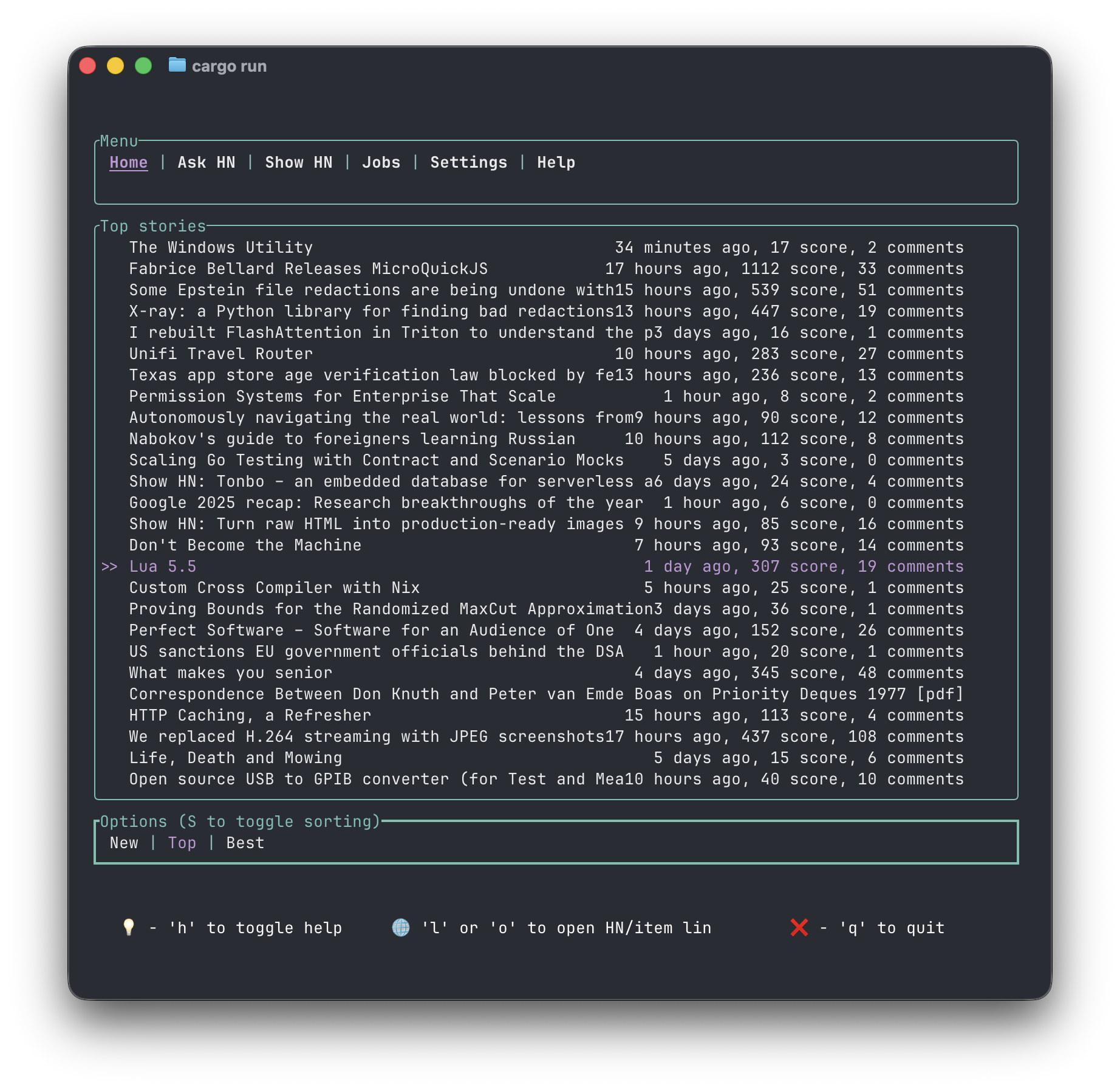
Theming system
Theming system, easily modified and extendable.
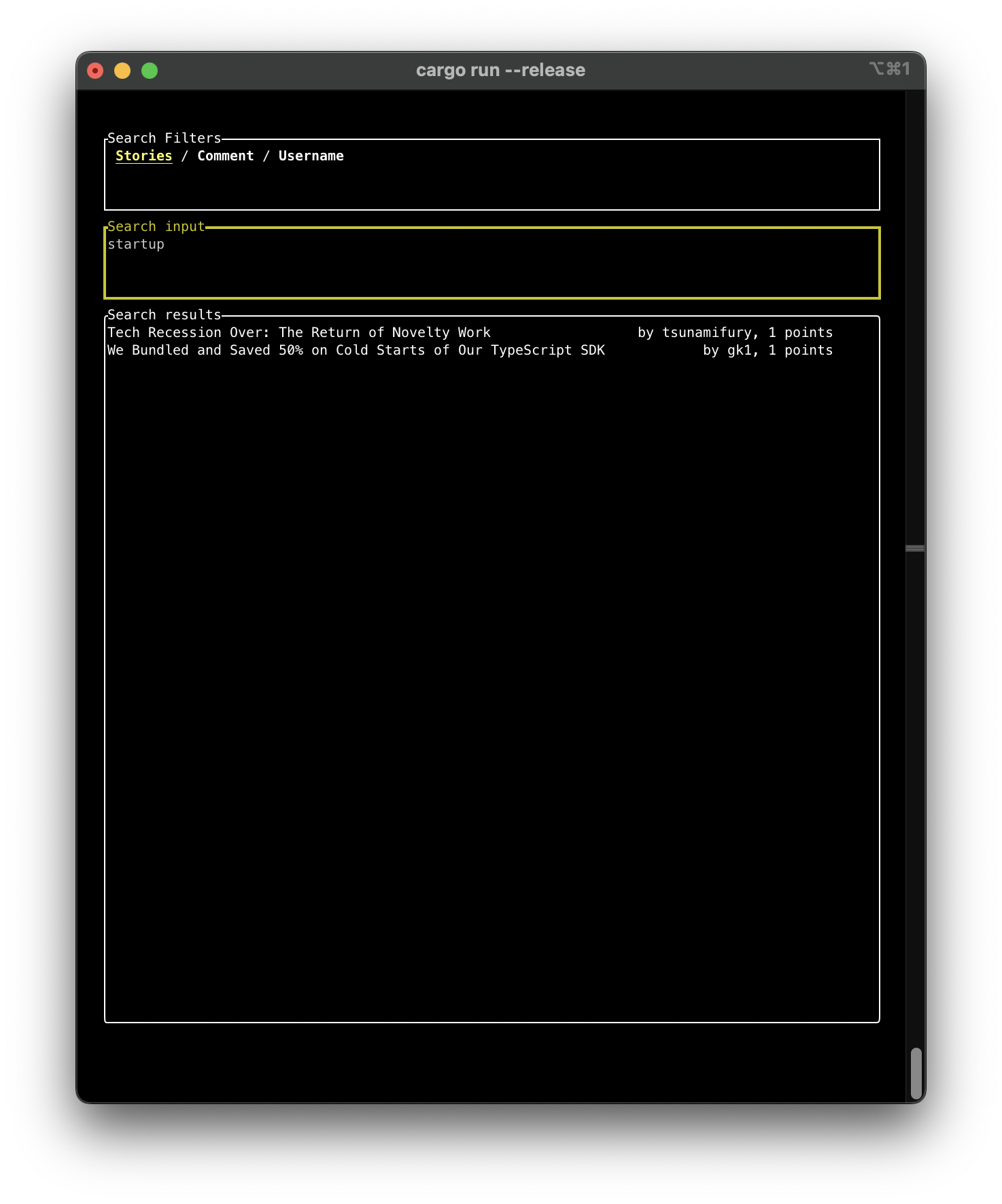
Search throughout hncli (posts, comments, users)
After heavy efforts on my part, hn.algolia unfortunately shut down almost all its returned data. Here is an example of what still works.
'%3e%3cpath%20stroke='%23000'%20stroke-linejoin='round'%20d='M-8.5-14.5h13c8%200%208%208%200%208h-13Zm-31%2037h40v-11h-9v-8h10c11%200%205%2019%2014%2019h25v-19h-6v2c0%208-9%207-10%202s-5-9-6-9c15-8%206-24-6-24h-47v11h10v26h-15Z'/%3e%3cg%20mask='url(%23a)'%3e%3ccircle%20r='43'%20fill='none'%20stroke='%23000'%20stroke-width='9'/%3e%3cpath%20id='b'%20stroke='%23000'%20stroke-linejoin='round'%20stroke-width='3'%20d='m46%203%205-3-5-3z'/%3e%3cuse%20xlink:href='%23b'%20transform='rotate(11.25)'/%3e%3cuse%20xlink:href='%23b'%20transform='rotate(22.5)'/%3e%3cuse%20xlink:href='%23b'%20transform='rotate(33.75)'/%3e%3cuse%20xlink:href='%23b'%20transform='rotate(45)'/%3e%3cuse%20xlink:href='%23b'%20transform='rotate(56.25)'/%3e%3cuse%20xlink:href='%23b'%20transform='rotate(67.5)'/%3e%3cuse%20xlink:href='%23b'%20transform='rotate(78.75)'/%3e%3cuse%20xlink:href='%23b'%20transform='rotate(90)'/%3e%3cuse%20xlink:href='%23b'%20transform='rotate(101.25)'/%3e%3cuse%20xlink:href='%23b'%20transform='rotate(112.5)'/%3e%3cuse%20xlink:href='%23b'%20transform='rotate(123.75)'/%3e%3cuse%20xlink:href='%23b'%20transform='rotate(135)'/%3e%3cuse%20xlink:href='%23b'%20transform='rotate(146.25)'/%3e%3cuse%20xlink:href='%23b'%20transform='rotate(157.5)'/%3e%3cuse%20xlink:href='%23b'%20transform='rotate(168.75)'/%3e%3cuse%20xlink:href='%23b'%20transform='rotate(180)'/%3e%3cuse%20xlink:href='%23b'%20transform='rotate(191.25)'/%3e%3cuse%20xlink:href='%23b'%20transform='rotate(202.5)'/%3e%3cuse%20xlink:href='%23b'%20transform='rotate(213.75)'/%3e%3cuse%20xlink:href='%23b'%20transform='rotate(225)'/%3e%3cuse%20xlink:href='%23b'%20transform='rotate(236.25)'/%3e%3cuse%20xlink:href='%23b'%20transform='rotate(247.5)'/%3e%3cuse%20xlink:href='%23b'%20transform='rotate(258.75)'/%3e%3cuse%20xlink:href='%23b'%20transform='rotate(270)'/%3e%3cuse%20xlink:href='%23b'%20transform='rotate(281.25)'/%3e%3cuse%20xlink:href='%23b'%20transform='rotate(292.5)'/%3e%3cuse%20xlink:href='%23b'%20transform='rotate(303.75)'/%3e%3cuse%20xlink:href='%23b'%20transform='rotate(315)'/%3e%3cuse%20xlink:href='%23b'%20transform='rotate(326.25)'/%3e%3cuse%20xlink:href='%23b'%20transform='rotate(337.5)'/%3e%3cuse%20xlink:href='%23b'%20transform='rotate(348.75)'/%3e%3cpath%20id='c'%20stroke='%23000'%20stroke-linejoin='round'%20stroke-width='6'%20d='m-7-42%207%207%207-7z'/%3e%3cuse%20xlink:href='%23c'%20transform='rotate(72)'/%3e%3cuse%20xlink:href='%23c'%20transform='rotate(144)'/%3e%3cuse%20xlink:href='%23c'%20transform='rotate(216)'/%3e%3cuse%20xlink:href='%23c'%20transform='rotate(288)'/%3e%3c/g%3e%3cmask%20id='a'%3e%3cpath%20fill='%23fff'%20d='M-60-60H60V60H-60z'/%3e%3ccircle%20id='d'%20cy='-40'%20r='3'/%3e%3cuse%20xlink:href='%23d'%20transform='rotate(72)'/%3e%3cuse%20xlink:href='%23d'%20transform='rotate(144)'/%3e%3cuse%20xlink:href='%23d'%20transform='rotate(216)'/%3e%3cuse%20xlink:href='%23d'%20transform='rotate(288)'/%3e%3c/mask%3e%3c/g%3e%3c/svg%3e)
Built to last
Made in Rust
Built in the fast and safe Rust programming language, with a unique architecture described here.
hncli is first and foremost a labor of love, so questions or any kind of contribution are more
than welcome on the GitHub repository.

Read-Only
No sign-in required
No Hacker News account required: hncli does not need nor store your credentials.

Well deserved pause?
Terminal only
hncli works in most terminals, and one of the initial goals was to make technological watch on Hacker News
easier at a glance.
Check out the vision article for further
explanation.

Navigation history
Pick up from where you left off
Go back to the latest read top-level comment on any topic previously visited.